
Common formats
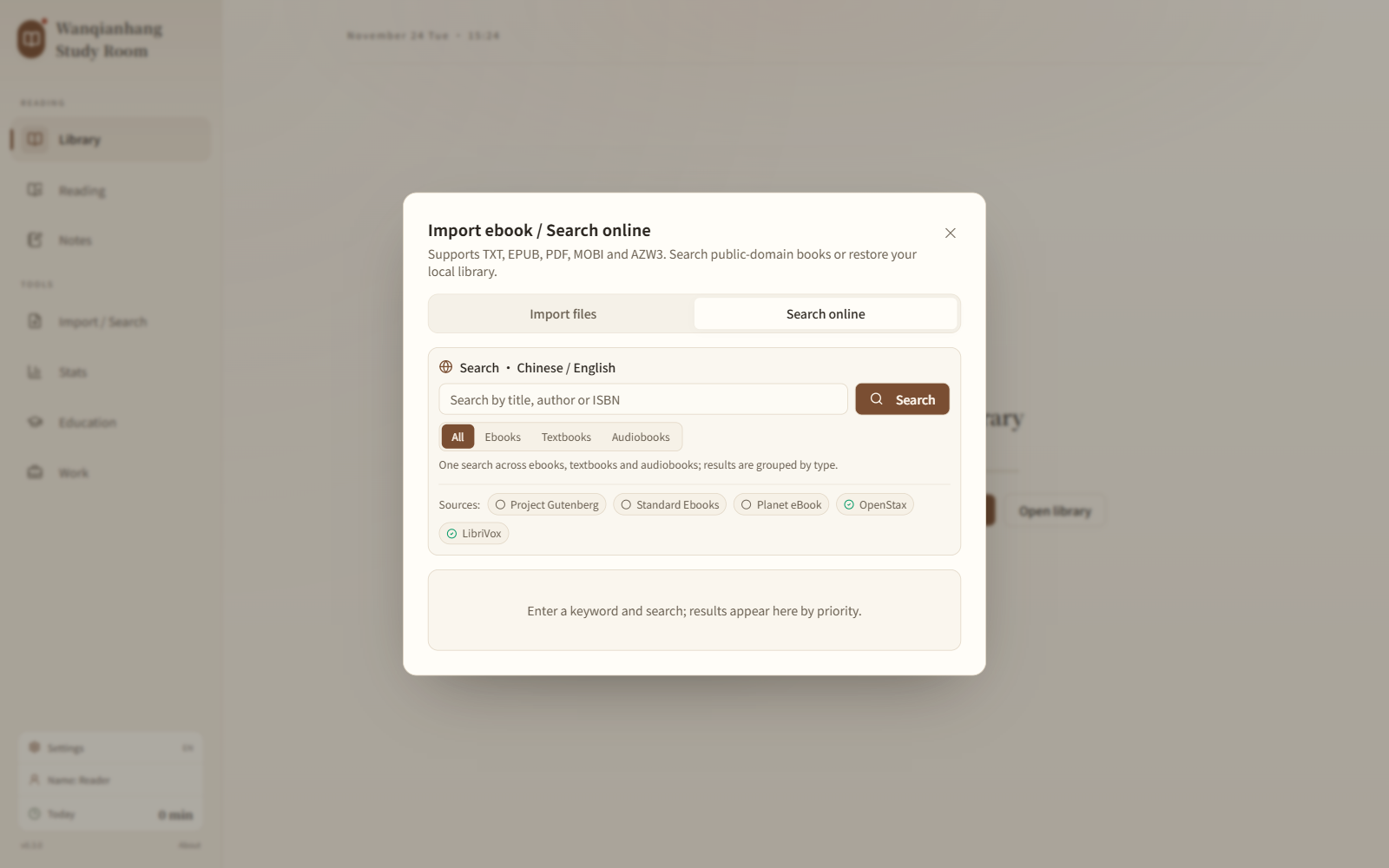
TXT EPUB PDF MOBI AZW3 — import local files directly, no conversion required.
WINDOWS 10 / 11 · LOCAL FIRST
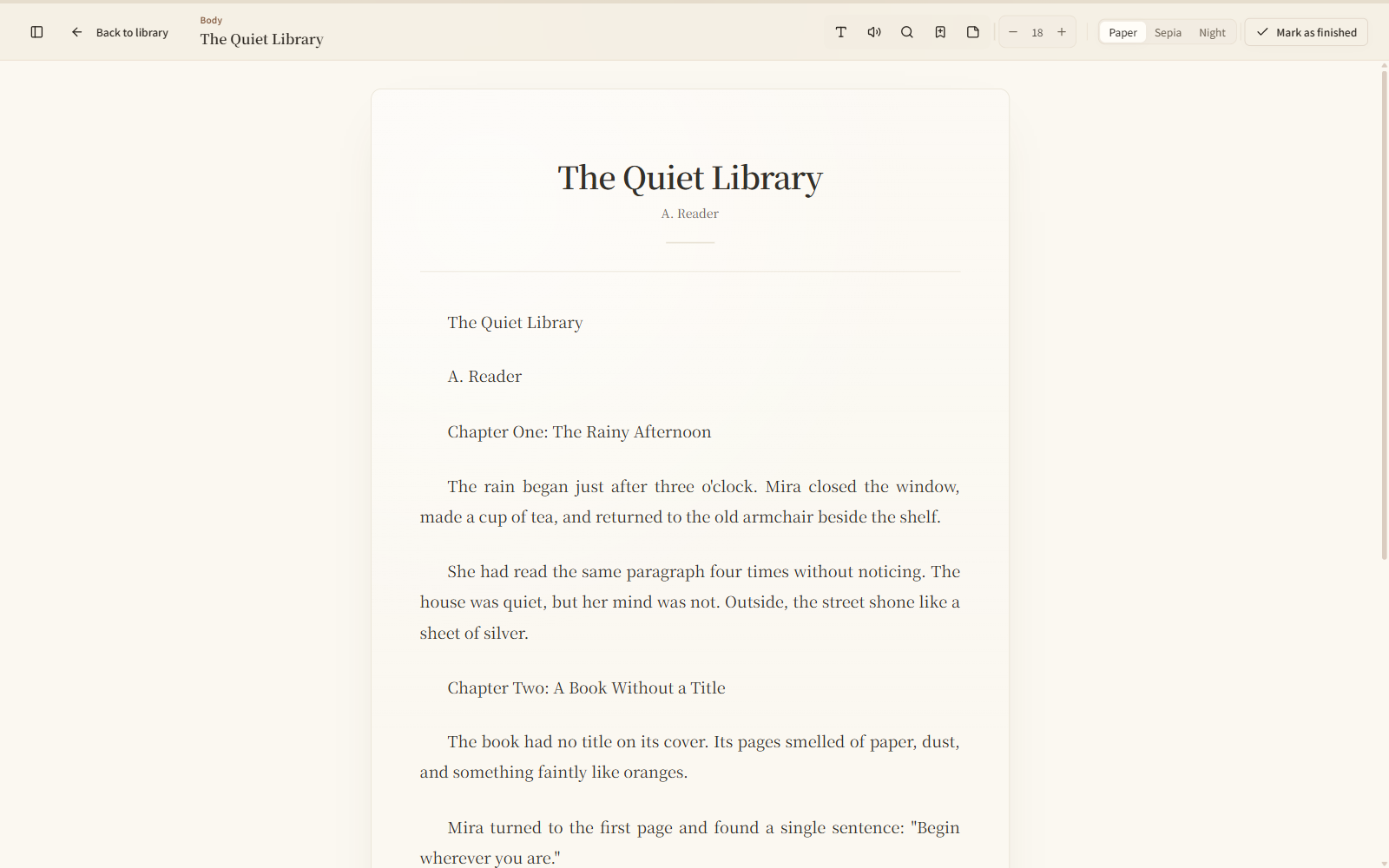
Wanqianhang Study Room is a quiet, focused ebook reader for Windows. Read TXT, EPUB, PDF, MOBI and AZW3. Your shelf, progress, notes and stats stay on your machine — no account, no book uploads, no reading telemetry.
FEATURES
Not a bookstore. Not a social network. A reader for the files you already own.
TXT EPUB PDF MOBI AZW3 — import local files directly, no conversion required.
Literature, history, education, work and more. Search, want-to-read, reading and finished states.
Select text to add a margin note. Attach images, audio or video. Export notes as Markdown.
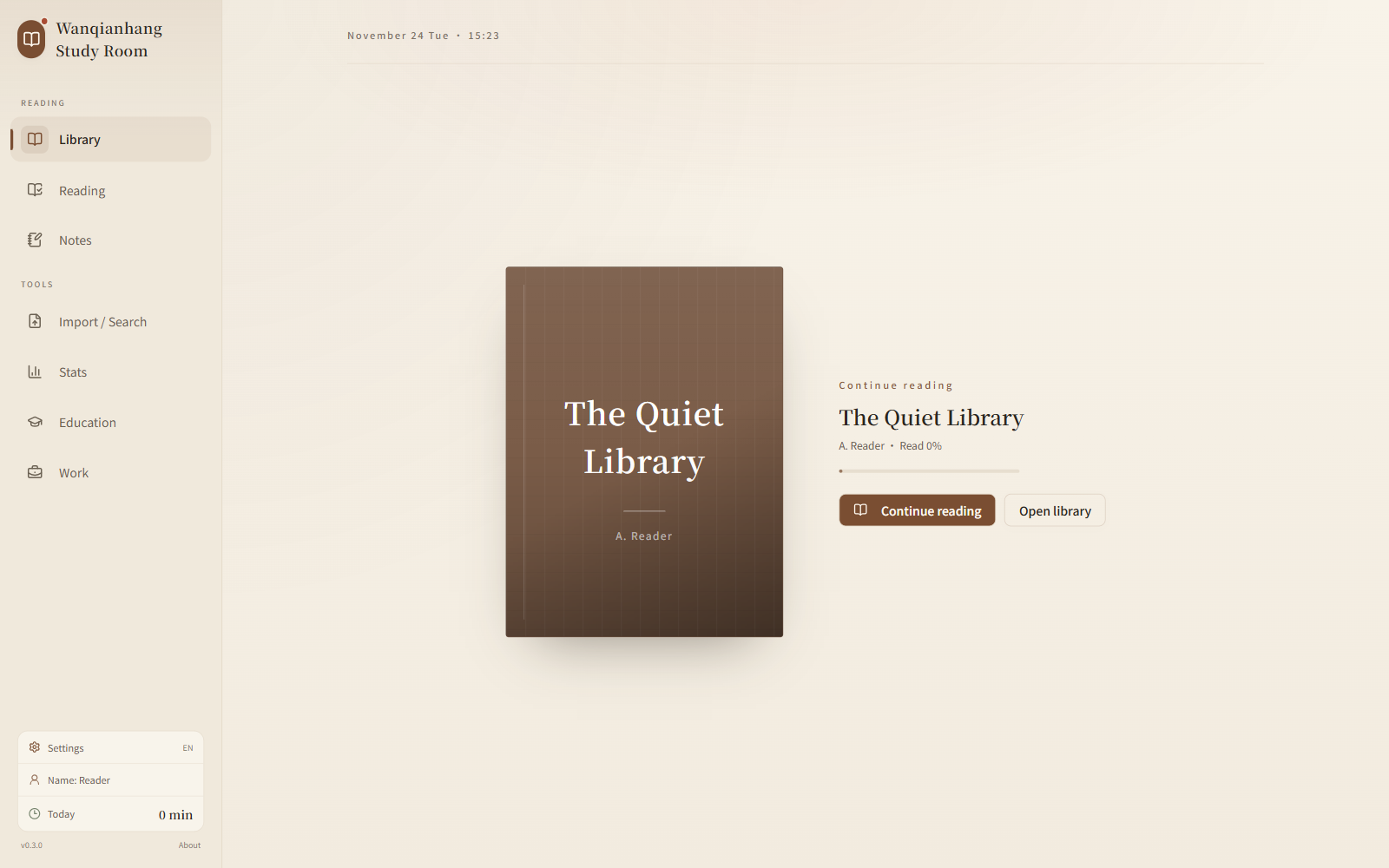
Paper, sepia and night charcoal. Adjust font size, line height and page width.
Chunked loading keeps long novels, collections and scanned PDFs responsive.
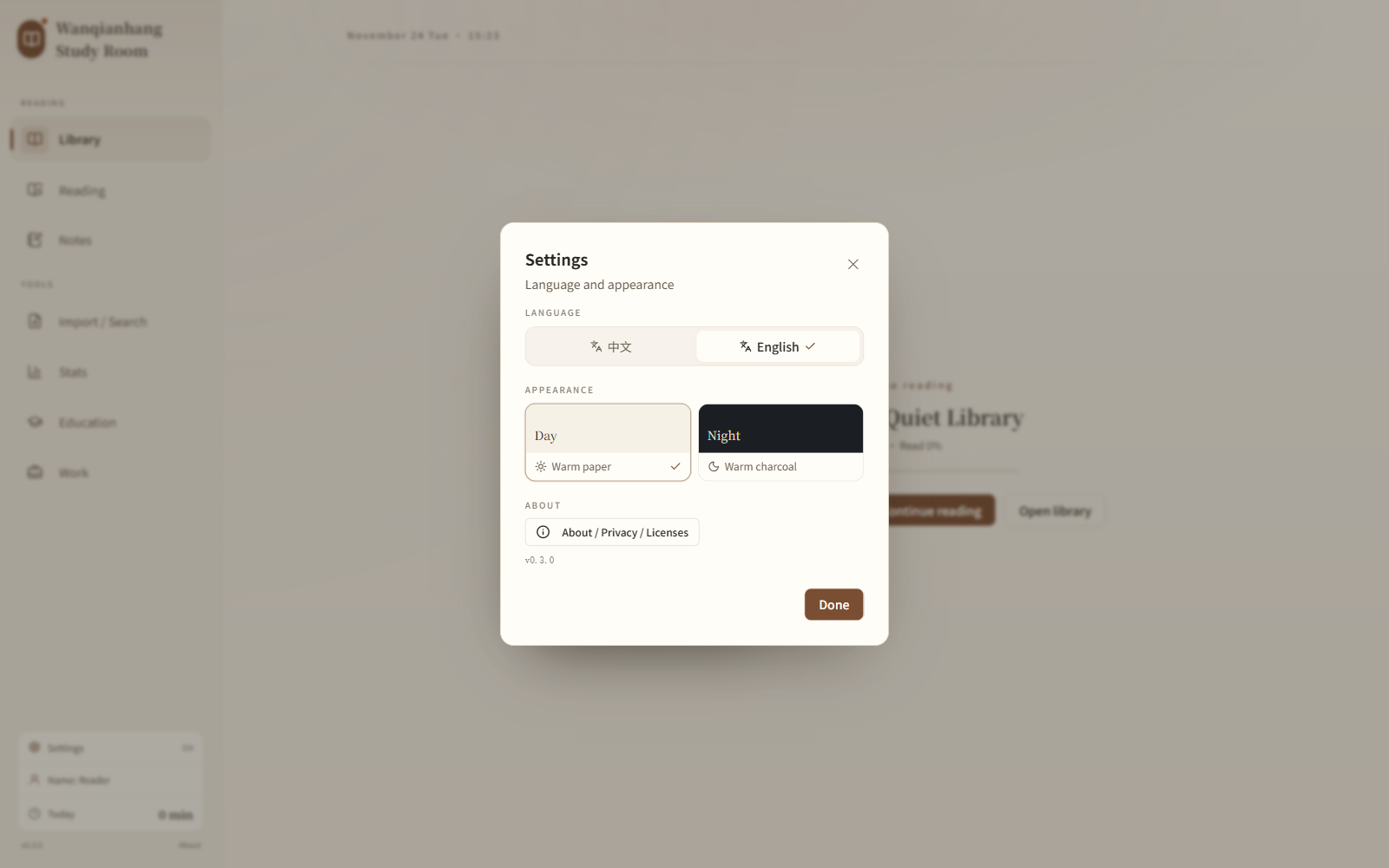
Switch the interface language without touching the language of your books.
SCREENS
Real screens from the current build. Sample books are original or public domain; no private library is shown.
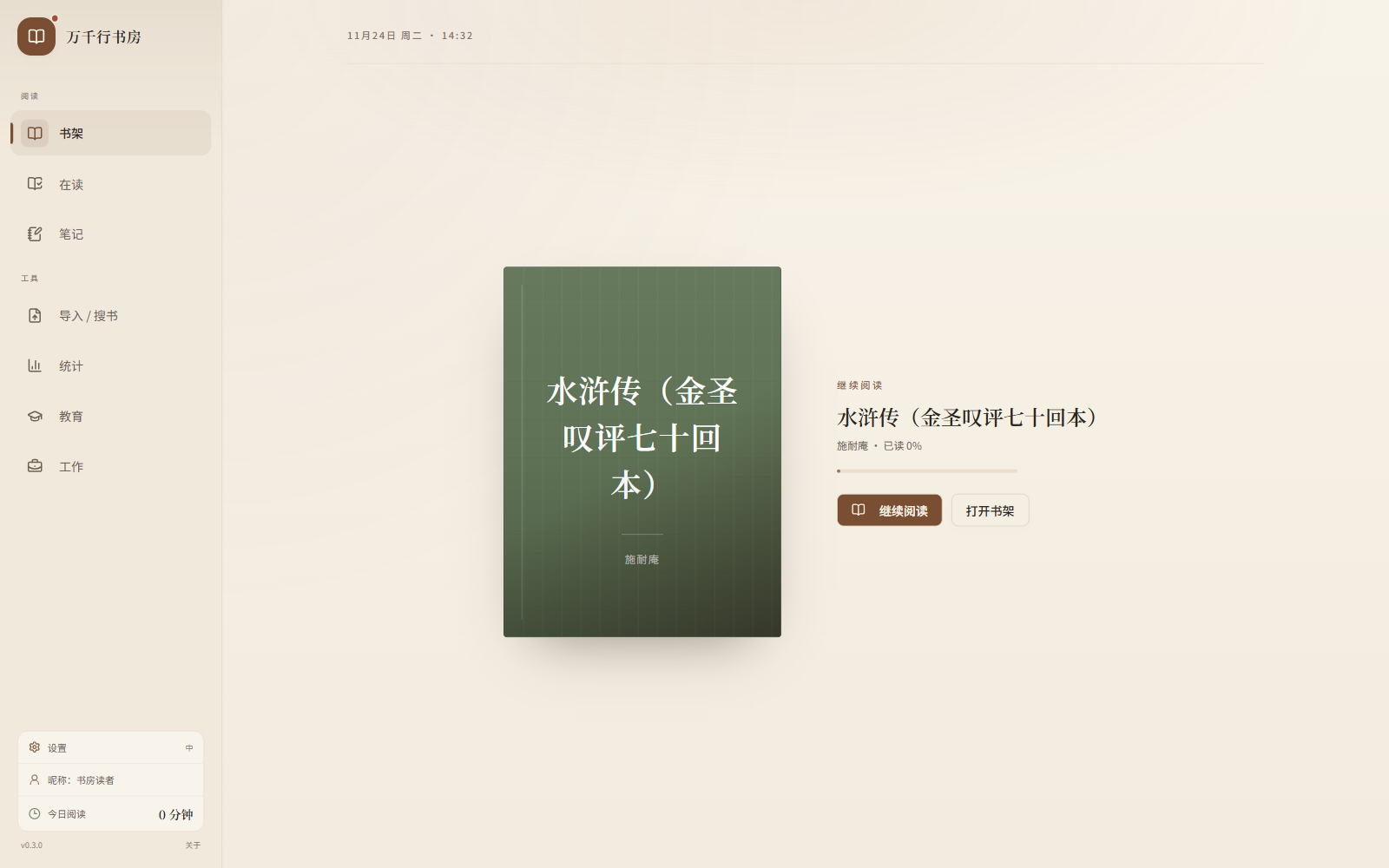
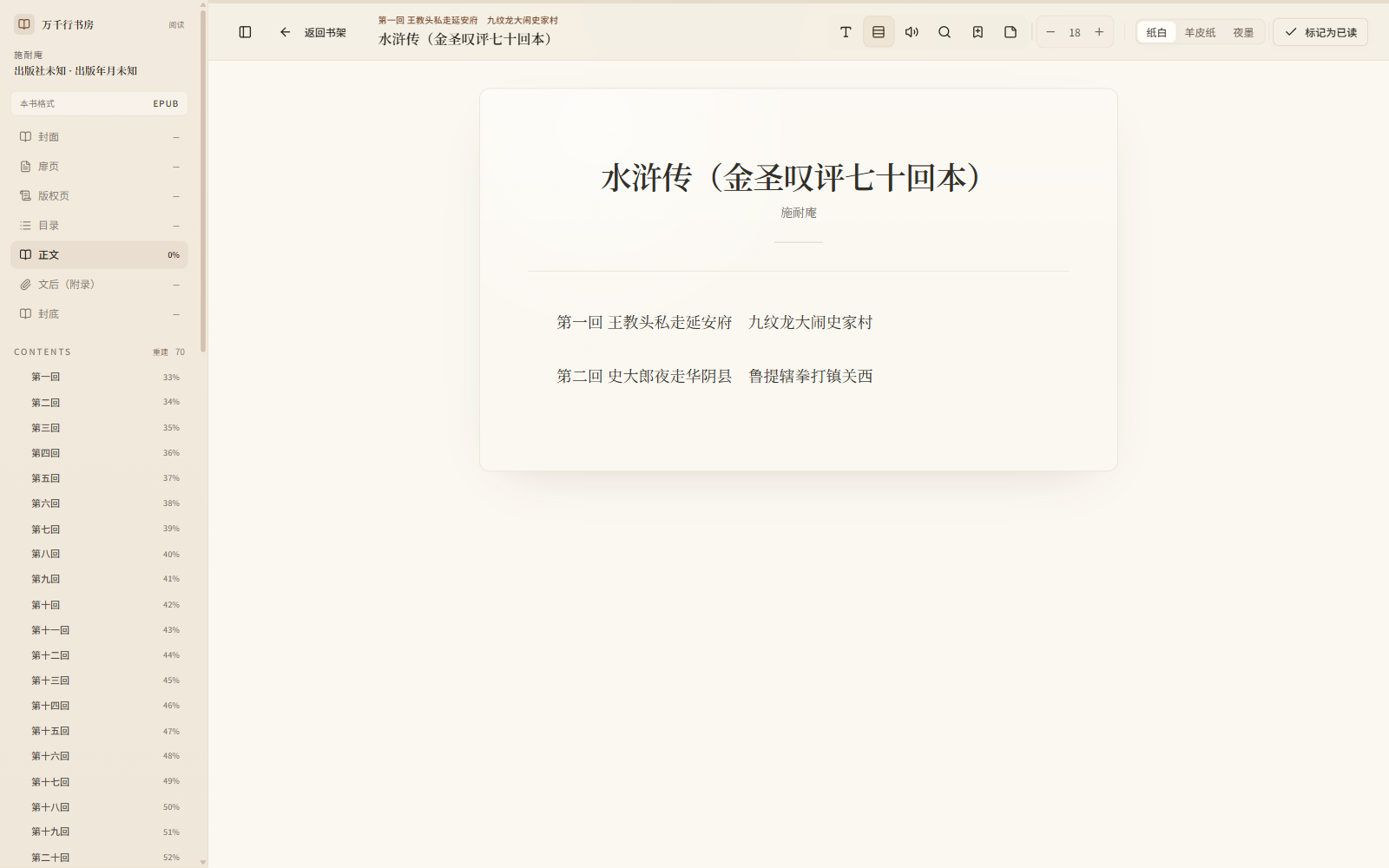
LOCAL FIRST
Reading is private. Your shelf, notes and reading pace do not need to become someone else's data.
Original files, covers and note attachments stay on your PC. Back them up yourself; nothing is locked to an account.
Local reading works offline. Network requests happen only when you search public-domain books, fetch a cover or translate a title.
No account, no ads, no third-party analytics SDK. The app does not track what, when or where you read.
DOWNLOAD
The Microsoft Store build is signed by Microsoft. The portable ZIP runs without installation and is handy for offline machines.
Submitted for certification. Once approved, this becomes the Store install link, signed by Microsoft and normally free of “unknown publisher” warnings.
In certification · Coming soonWindows 10 1809+ / Windows 11 · x64
Unzip and run 万千行书房.exe. No installer. Data is stored in a data folder next to the app by default.
Windows 10 1809+ / x64 · Free
SHA256: 01C34E09665C4F2276F2C0D40B7D5AC16341188658F1878AB48D405E386DEC1D
The portable build is not code-signed yet, so Windows may show “unknown publisher”. If that matters to you, wait for the Microsoft Store build. Always verify the SHA256.
FAQ
No. Shelf, notes, progress and stats stay on your PC. There is no account system, cloud service, advertising or third-party analytics SDK.
TXT, EPUB, PDF, MOBI and AZW3. PDF files open as original pages; EPUB and TXT support contents, bookmarks and reading position.
No copyrighted books are bundled. You can search public-domain sources such as Project Gutenberg, Standard Ebooks and OpenStax, or import your own files.
By default in a data folder next to the app; if that is not writable, in %LOCALAPPDATA%\MyStudyRoom\data. You can override it with MYSTUDYROOM_DATA_DIR.
No for local reading. Network access is used only for public-domain search, cover lookup or title translation. See the privacy policy.
The portable build is not code-signed yet, so SmartScreen may show “unknown publisher”. Verify the SHA256 above; the Microsoft Store build is the recommended option.
Windows 10 1809 or later and Windows 11, x64. The UI uses WebView2; if the runtime is missing, the app offers the official download link.